What’s new in 1.7.11
Multiband waveforms, follow playhead, easier library browsing, and workflow improvements and fixes.

Multiband waveforms
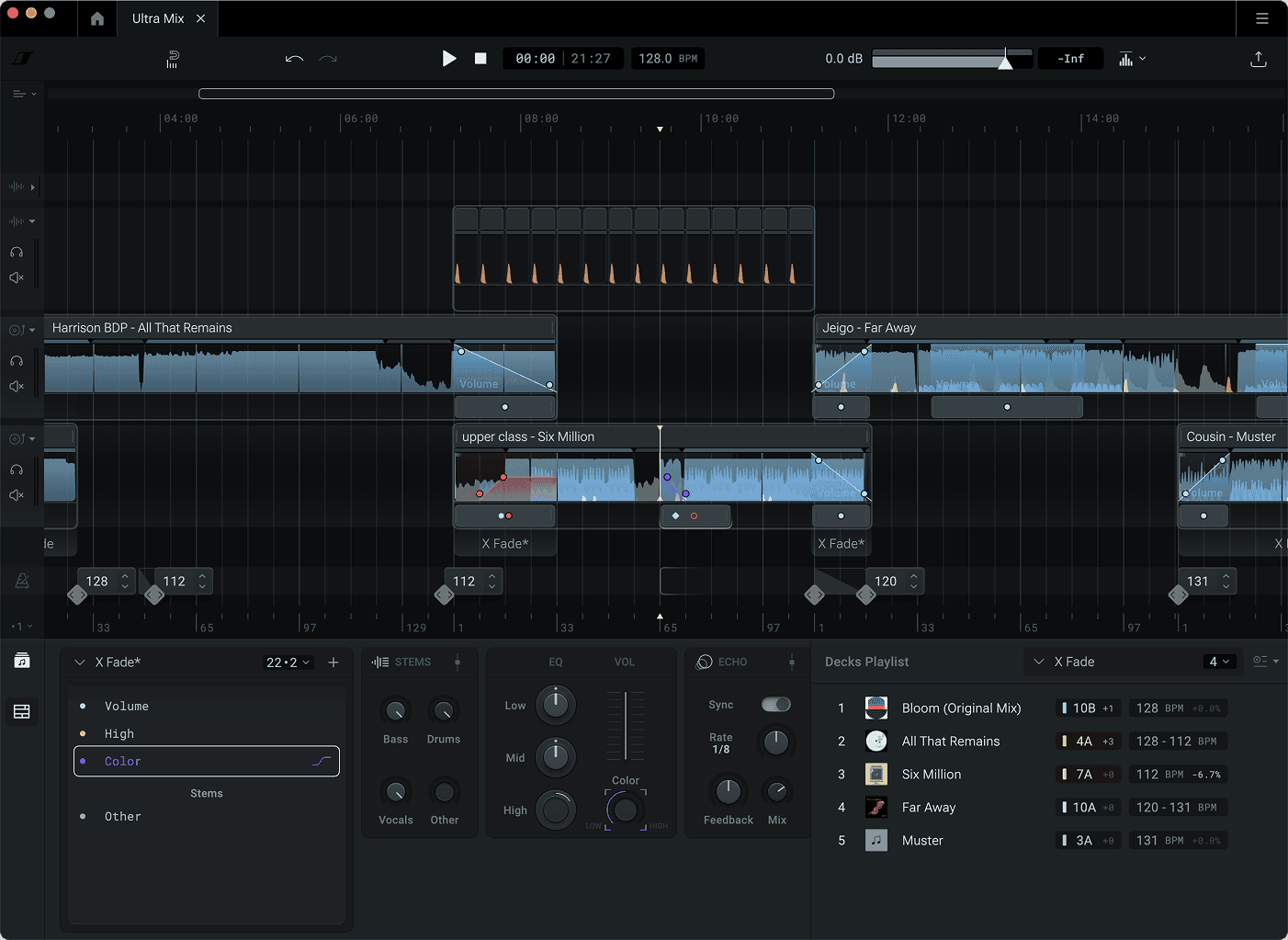
Waveform thumbnails now show low, mid and high frequencies in different colors, so you can see where the kick, the vocals and the hi-hats sit before you press play.
Follow playhead
A new toggle keeps the timeline centered on the playhead during playback. It pauses when you scroll, move a marker or select on the timeline, and one click resumes it.
Easier music library browsing
Press Ctrl/Cmd+F to jump straight to search on the Music tab. The Preview Player now shows the multiband waveform thumbnail too, so you can see a track’s shape before you load it.
Other improvements and fixes
(Feature) “+” button next to your open tabs creates a new mix.
(Feature) Cmd/Ctrl+T opens a new mix and Cmd/Ctrl+W closes a tab.
(Feature) Search field on the Mixes tab.
(Improvement) Hotkeys in the music library
(Improvement) Auto-scroll when dragging the playhead, clips or transitions to the edge of the timeline.
(Improvement) Improved login experience
(Improvement) Lanes now collapse to a minimum height instead of shrinking.
(Improvement) On Windows, m4a imports now convert to FLAC instead of MP3.
(Fix) Shift-select only covers the tracks that match your search.
(Fix) Audio clicks at clip splits.
(Fix) Crashes and minor fixes.