Downstream-preserving edits
Edit without breaking
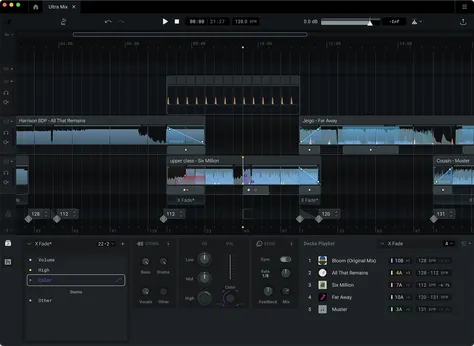
Insert, move or remove a track at any point, and every transition after it stays exactly as you built it.
Complete DJ software
for creating mixes on the timeline,
making track edits and preparing your set.

As seen on

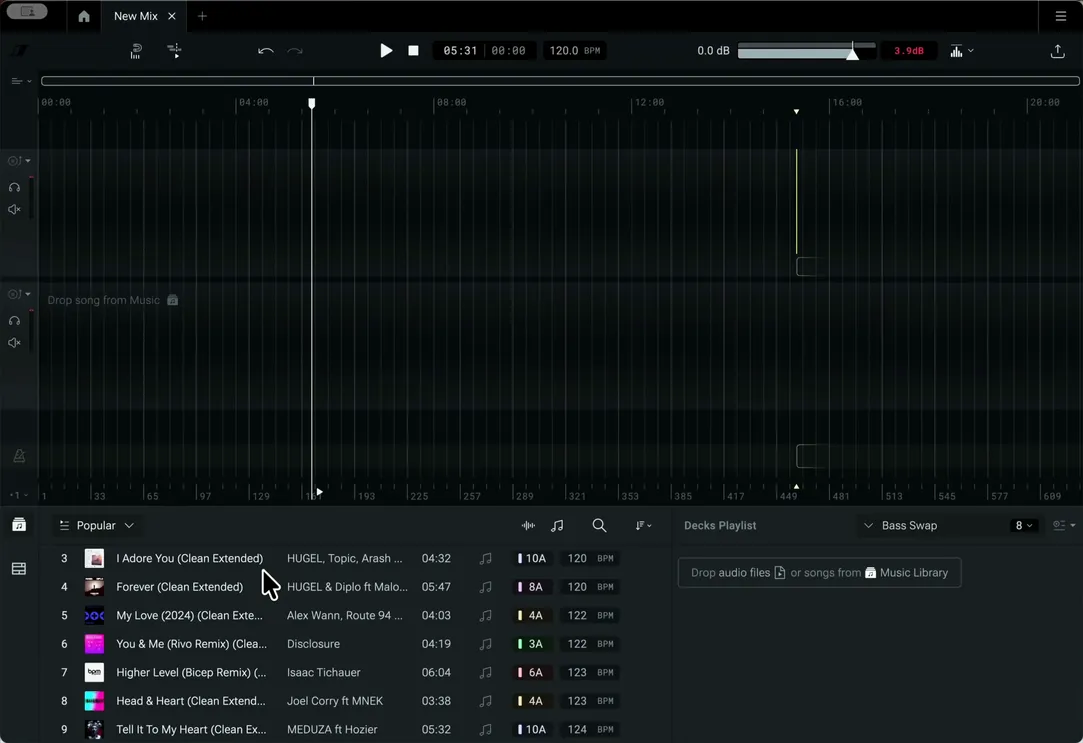
Go from browsing tracks to hearing transitions in a few clicks. Try different mix-in and mix-out points, draw EQ and effect curves, create loops, and rework tracks with stems.
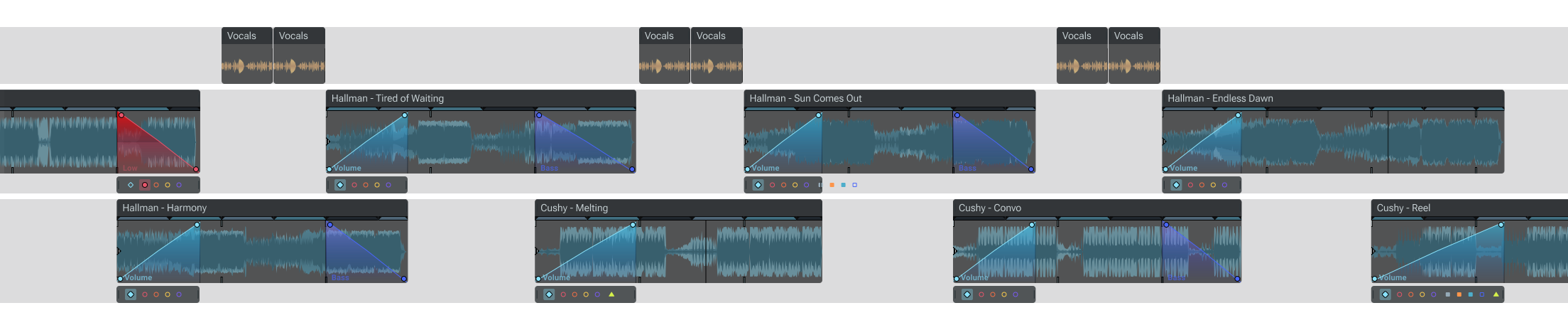
Long, curated mixes built across as many evenings as you need.
Make a mixVocals from one track, drums from another. Match the key, extend the intro, all on the timeline.
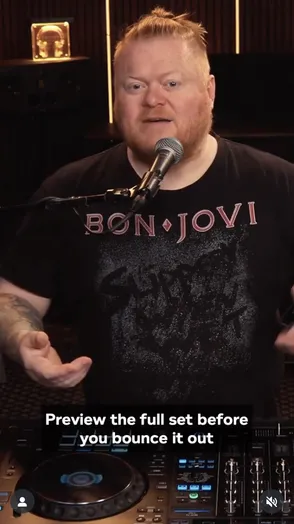
Make an editPreview transitions before your gig. Explore variations on key, phrasing and energy flow.
Prep a live set“Great UI, great handling of transitions, easy and intuitive. And one more thing: why I decided for DropLab: your software runs natively and has an unbeatable performance, everything is local and on device, I don’t need to upload my tracks and I don’t need to use a clunky web app.”
 @bojakmusicDJ/Producer, San Diego, CA
“I am really happy to have found DropLab. I have a radio show here in Mexico and I was going crazy with time, I couldn’t record the live sets anymore. This is saving me a lot of time.”
 @rogergarciadjDJ & Mexican Producer
“I love the app, it’s a great evolution towards a really chill way for me to prototype and build DJ sets.”
 @dj_jaydenbloodDJ, Melbourne, Australia
“As a father to small children, having uninterrupted time to record mixes on decks is usually wishful thinking. DropLab saves me loads of time. The support from Vlad and Alex is world class.”
 @menson.wavDJ/Producer, Copenhagen
“I recorded and published the first set and working on it was pure pleasure - this is how I imagine working on an arrangement - with great freedom, intuitiveness and flexibility that your application guarantees.”
 @antoo_plaBeatmaker, DJ, Argentina
“I’ve got a controller, but I’m kinda bored of making long sets with it at home. I’m using Droplab to make sets I can listen to while working out or driving.”
 @millimarco_djDJ
“I really enjoy DropLab and thank you for developing it! I used MixMeister prior to DropLab and kept looking for a better program and I finally found it! I can’t wait to see the future updates!”
 @christian__matthieuDJ at @napocafm
“I was skeptical at first, but it takes the best aspects of other mixing tools and makes them work together. … Within five minutes, I can easily test ten pairs of tracks to hear if the transition works.”
 @lstnght.collectiveRecord Label Executive, undermindnyc
Built for fast & fluid experimentation. Runs locally by design. Optimised for speed, memory and storage efficiency.
Downstream-preserving edits
Insert, move or remove a track at any point, and every transition after it stays exactly as you built it.
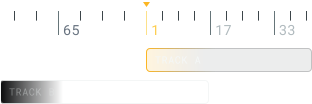
Adaptable grid
Flexible beat grid designed for long audio files and BPM variations.
Undo history

Unlimited history for every action. Step back as far as you need.
Only on your machine, using local storage.
Instant edits, no round-trips.
Optimised for low RAM use via on-the-fly streaming.
Conservative audio file caching.
Free for 14 days · No credit card · macOS & Windows
Simply drag & drop your tracks on the beat-synced timeline. Use transition presets or tweak your own crossfade, BPM and audio effect curves.
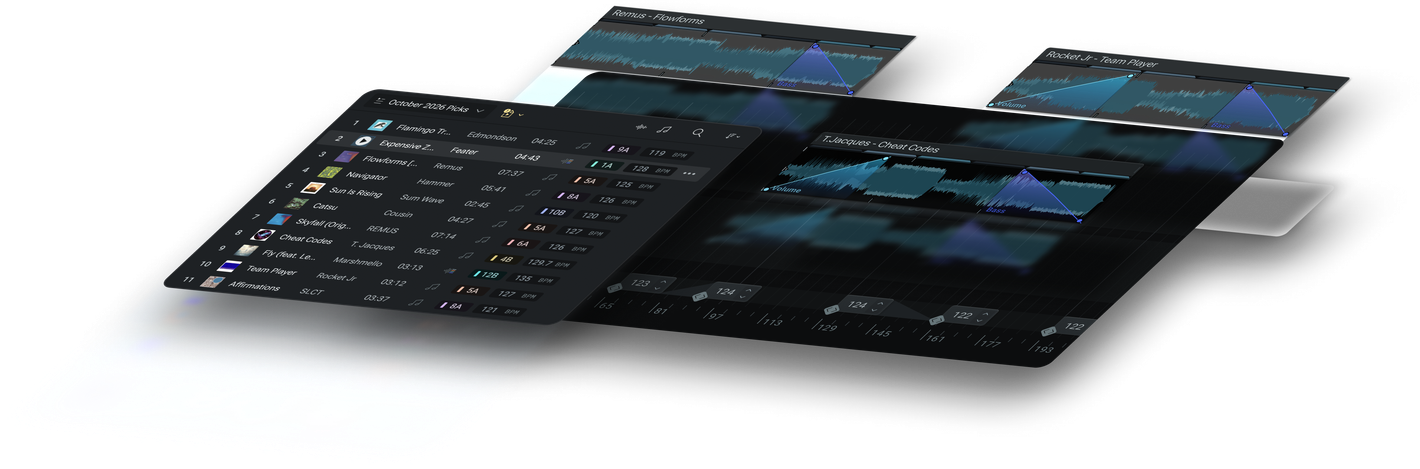
Reorder, remove or insert new songs without breaking your existing transitions.
Draw multi-point curves for volume, EQ, delay, reverb and many other audio effects.
Keep levels consistent with auto-gain, LUFs and peak metering.
Split into stems and loops. Pitch-shift and time-stretch to blend vocals, drums and melodies.
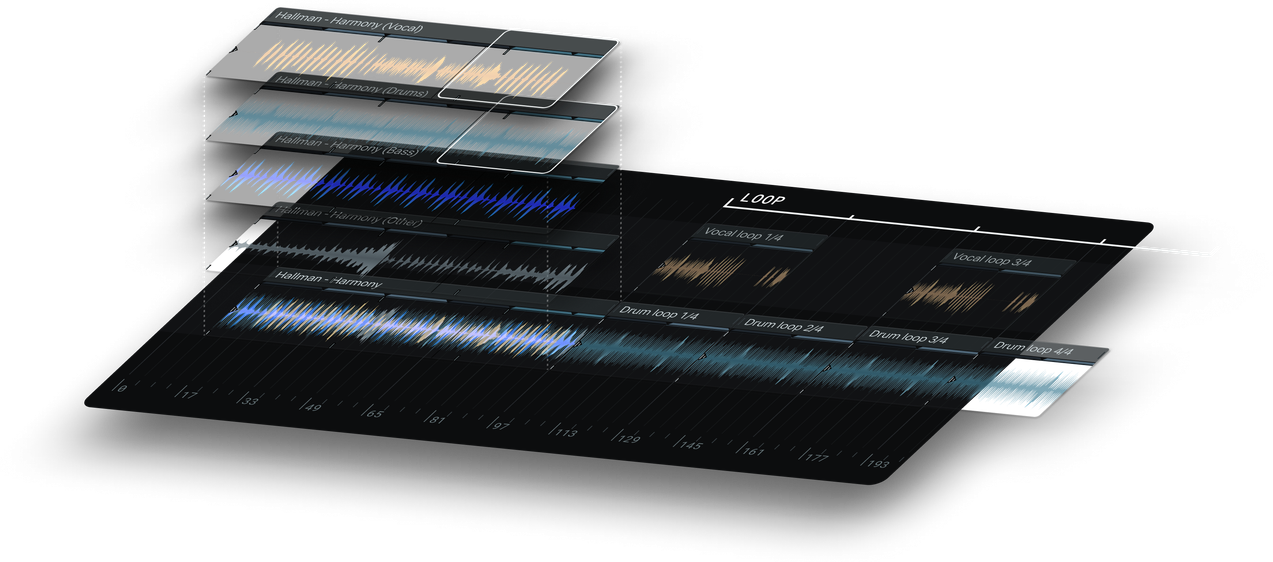
Remove or isolate vocals, drums, bass and melodies. Build your own library of stem samples.
Cut, repeat and rearrange audio segments, or even entire FX chains and curves.
Change the key and tempo of the full track, stem or sample.
Go beyond track selection. Mix in key, align phrases and experiment with energy flows on the timeline.
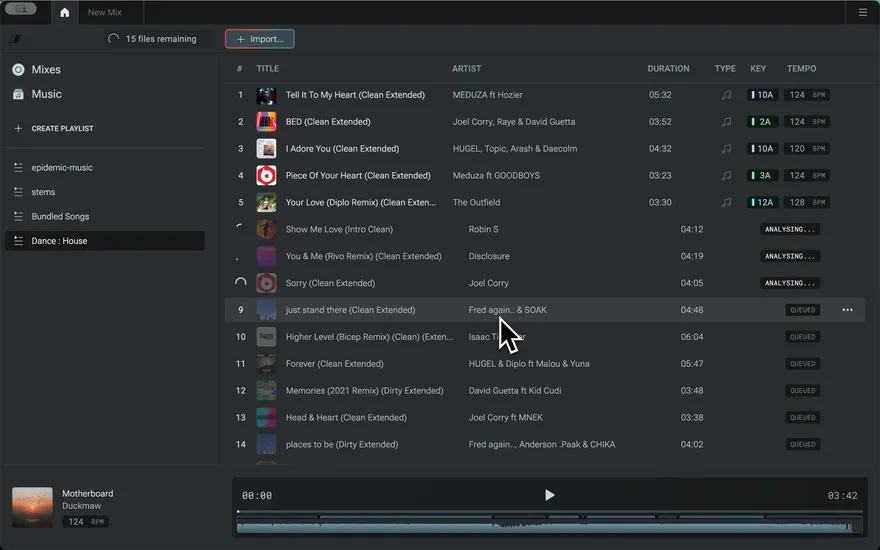
Filter by key, BPM, artist, title and more.
Mark the moments that matter, directly on the mix timeline.
See compatible keys at a glance, Camelot-style.
DropLab is designed and built by Vlad Voinaand
 Alex Voina
Previously worked with
Multiband waveforms, follow playhead, easier library browsing, and workflow improvements and fixes.
Stem separation, sync/free clip modes, resizable lanes, and many of quality-of-life improvements.
Dynamic deck playlist, unlimited effect blocks, sample lanes, multi-select and a whole load of workflow magic.
Exclusive Black Friday offer
Perpetual licence that includes all the features of DropLab over a lifetime.
$63was $89one-time
Price includes taxes.
Perpetual licence that includes all the features of DropLab over a lifetime.
$89one-time
Price includes taxes.
Available for macOS and Windows
Free for 14 days · No credit card · macOS & Windows